What Happens After Your App Launches: Updates, Analytics, and Support Planning
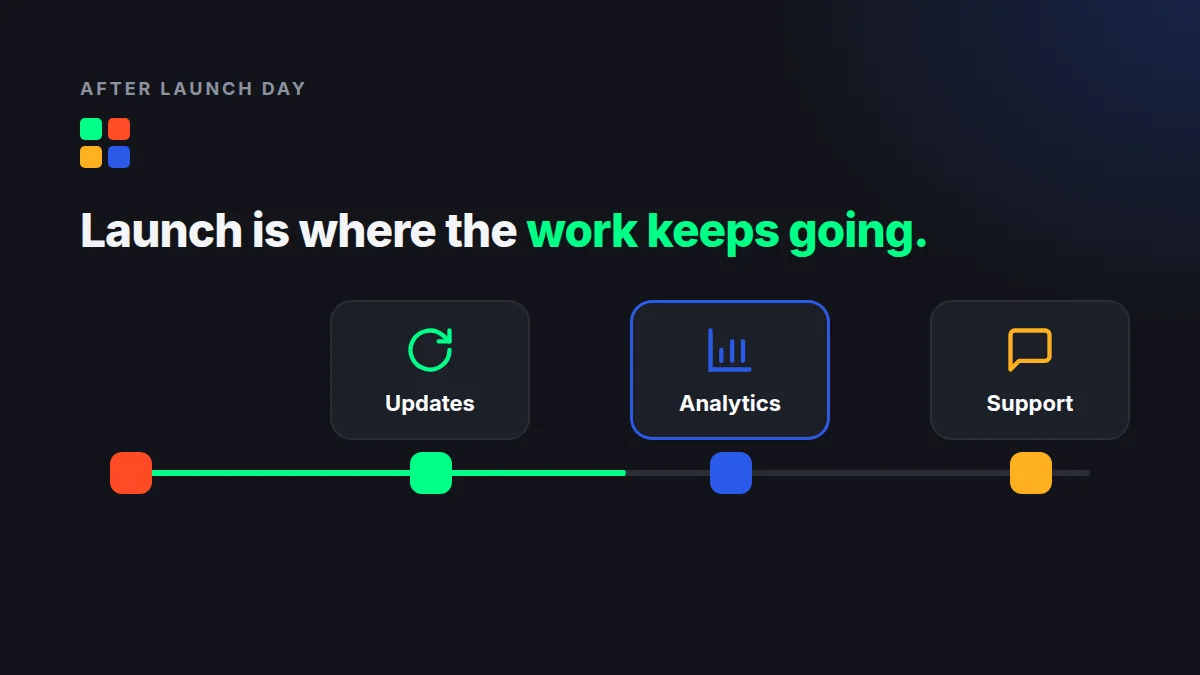
Launch day is the cheapest day of your app's life. Everything that follows costs more time, more attention, and more money than most founders budget for.
If you're wondering what happens after your app launches, here is the short answer: the real work begins. Users find bugs you never saw, operating systems change underneath you, and the data starts telling you your roadmap was partly wrong.
The founders who handle this well are not luckier. They planned for it before the first release went live.
What Happens After Your App Launches: The First 90 Days
The first three months are a feedback loop, not a victory lap. Expect a steady stream of crash reports, confused reviews, and feature requests that contradict each other.
Your job in this window is to separate signal from noise. A bug that blocks sign-up matters today. A request for dark mode can wait.
- Week 1: Watch crash rates and sign-up completion daily.
- Weeks 2-4: Ship a first patch release that fixes the top issues.
- Months 2-3: Compare real behavior against your launch assumptions, then reprioritize.
Do this now: block out dedicated development capacity for the 90 days after release. If your team disbands the day you ship, nobody is left to fix what breaks.
Updates: The Work That Never Ends
An app is never finished. Apple and Google release new OS versions every year, deprecate APIs, and tighten store requirements. Third-party libraries ship security patches. Your app has to keep up even if you add no new features.
An app you don't update isn't stable. It's slowly breaking.
A common rule of thumb is to budget roughly 15-20% of your original build cost per year for maintenance. Treat that as a starting point, not a promise, because complex apps with many integrations often need more.
Plan updates in three buckets:
- Maintenance: OS compatibility, dependency upgrades, security patches.
- Fixes: bugs reported by users or caught by monitoring.
- Improvements: new features and refinements driven by data.
Do this now: set a recurring release cadence, such as every two or four weeks. Predictable releases beat heroic ones.
Analytics: Decide What to Measure Before You Ship
The biggest analytics mistake is adding tracking after launch. By then, you've lost the baseline data from your most curious early users.
You don't need fifty metrics. You need a handful that tie directly to whether the app is working.
- Activation: what share of new users complete the key first action?
- Retention: how many come back on day 1, day 7, and day 30?
- Drop-off points: which screen do people abandon most?
- Stability: crash-free sessions and load times.
Pair these numbers with qualitative input, such as reviews, support tickets, and a few user conversations. Numbers tell you where people leave. Conversations tell you why.
Do this now: write down the three questions your data must answer in the first month, then confirm your tracking can answer them before release.
Support: Your Product's Second Interface
For many users, support is the product. A slow or unhelpful response to a login problem can turn a new customer into a one-star review.
You don't need a call center on day one. You do need a clear path for users to ask for help and a clear owner for the answers.
- Add an in-app way to report problems, with device and version info attached automatically.
- Set a response-time target and stick to it, even if it's 24 hours.
- Build a short FAQ from the first 20 questions you receive.
- Route recurring issues back to the development backlog.
Do this now: assign one person to own support during launch month, and give them a direct line to your developers.
How to Plan for Post-Launch Before Release
Treat post-launch as part of the project, not an afterthought. That means it appears in the budget, the schedule, and the contract.
- Budget for it. Reserve a monthly maintenance and improvement allowance from the start.
- Instrument it. Ship with analytics and crash reporting already in place.
- Staff it. Decide who fixes bugs, who answers users, and who prioritizes the backlog.
- Schedule it. Put the first three post-launch releases on the calendar before the first goes live.
None of this is glamorous. All of it is the difference between an app that grows and one that quietly fades after a launch-week spike.
Plan Your Launch and What Comes After
At MashData Solutions, we help founders think past release day, from analytics setup to ongoing updates and support. If you're building an app or preparing to launch one, explore our services to see how we work.
Ready to map out your post-launch plan? Contact our team and we'll help you build a roadmap that starts before your first release goes live.