Native vs cross-platform apps: how to choose
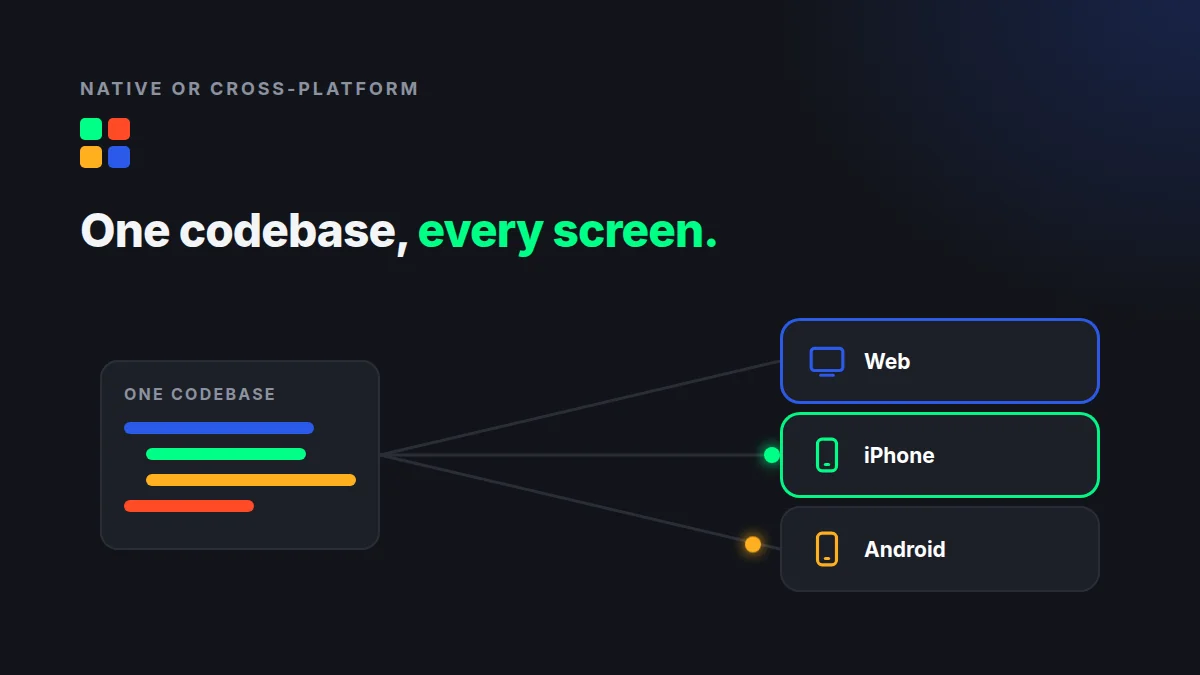
In short: Fully native apps, written separately for iPhone and Android, give the most control and cost the most. Cross-platform frameworks such as React Native and Flutter share one codebase across both phones. A web app reaches every device with a link. A hybrid, web screens inside thin native shells, sits between them. For most first versions, the right choice is the one that reaches your users soonest with one codebase to maintain.
The four options
- Fully native. One app in Swift for iPhone and another in Kotlin for Android. Two codebases, often two skill sets.
- Cross-platform. One codebase that builds apps for both phones. React Native was released by Meta in 2015 and is still maintained by it. Flutter is Google's open source framework for building apps for iOS, Android, web and desktop from a single codebase.
- Web app. Runs in the browser on any device. No store review, and a fix reaches everyone at once.
- Hybrid shell. The screens come from a web app, and a thin native app adds what only a phone app can, such as push notifications and a home-screen icon.
Which phones your users carry
In the United States, the split is close. StatCounter measured iOS at 51.96% and Android at 48.02% of mobile operating system use in October 2026. Your own audience may differ a lot from that average, so check your website analytics before you decide. If almost all your users are on one platform, launching there first is a fair way to save money.
When fully native is worth it
- The app leans hard on the device: camera processing, Bluetooth hardware, background location, heavy graphics.
- Every millisecond of feel matters, as in games or creative tools.
- You need new operating system features the day they ship.
- You have the budget for two codebases for the life of the app, not just the build.
When cross-platform fits
- You need real store apps on both platforms, with one team and one codebase.
- The app is mostly screens, forms, lists and data, which describes most business apps.
- You accept that some device features may need extra native work.
When a web app or hybrid shell fits
- You want people to try the app from a link, with no download.
- You want to change screens often without waiting for store review.
- You want a web version anyway, for desktop users or staff.
One caution. A phone app that is only a website in a wrapper can struggle in the stores. Apple's App Review Guidelines say an app should "elevate it beyond a repackaged website" (guideline 4.2). A hybrid shell should add real phone features, such as native navigation and notifications, not just open a web page.
The cost you pay later
The build is only part of the bill. Every codebase needs updates when Apple and Google release new versions, when libraries change and when security fixes come out. Two native codebases mean two sets of that work, every year. We wrote about how a stack choice shapes years of cost in the hidden costs of the wrong tech stack.
Speed of change matters too. A fix to a store app has to pass store review again before users get it, and then each user has to install the update. A fix to a web app, or to a screen served from the web inside a hybrid shell, reaches everyone the moment it ships. If you expect to change the app often in its first months, that difference adds up.
A simple way to decide
- List the device features your first version truly needs. Most lists are shorter than expected.
- Check which platforms your users are on.
- Ask whether people need to install it, or whether a link is enough to start.
- Price the build and the first year of updates for each option, not just the build.
What we do
Our own apps start as web apps built with Ruby on Rails and Hotwire. When an app belongs on a phone, we wrap the same screens in thin native shells with Hotwire Native, in Swift for iPhone and Kotlin for Android. A changed screen usually reaches every device without an app store update. When a job needs something else, we use something else: Brandreel renders video, so it is built with Next.js and Remotion. More in one codebase for web, iPhone and Android.
Questions and answers
Is cross-platform as good as native?
For most business apps made of screens, forms and data, a cross-platform or hybrid app works well. Fully native is worth the extra cost when the app depends heavily on device hardware, graphics or the newest operating system features.
Should I launch on iPhone or Android first?
Check where your own users are. In the US the split is close: StatCounter measured iOS at 51.96% and Android at 48.02% of mobile use in October 2026. A web app reaches both while you decide.
Can a web app go in the App Store?
Only inside a native app, and it has to offer more than a repackaged website. Apple's App Review Guidelines (4.2) set that bar, so a shell should add real phone features.
Talk it through with us
The right platform choice depends on your users and your first version, not on a trend. If you would like a second pair of eyes, ask for a free app idea review. If you are ready to talk about building it, tell us about it on our contact page. A few honest sentences is enough to start.